
I built Rhythm Calculator because I could see a rhythm on the page without being able to make it sound in my head. I knew what the notes and rests meant. The hard part was knowing exactly when each sound should happen on my bass.
The app did not start as a plan to build a music product. It started as a workaround I wanted during a short, crowded band camp.
The B Section I Could Not Hear Yet
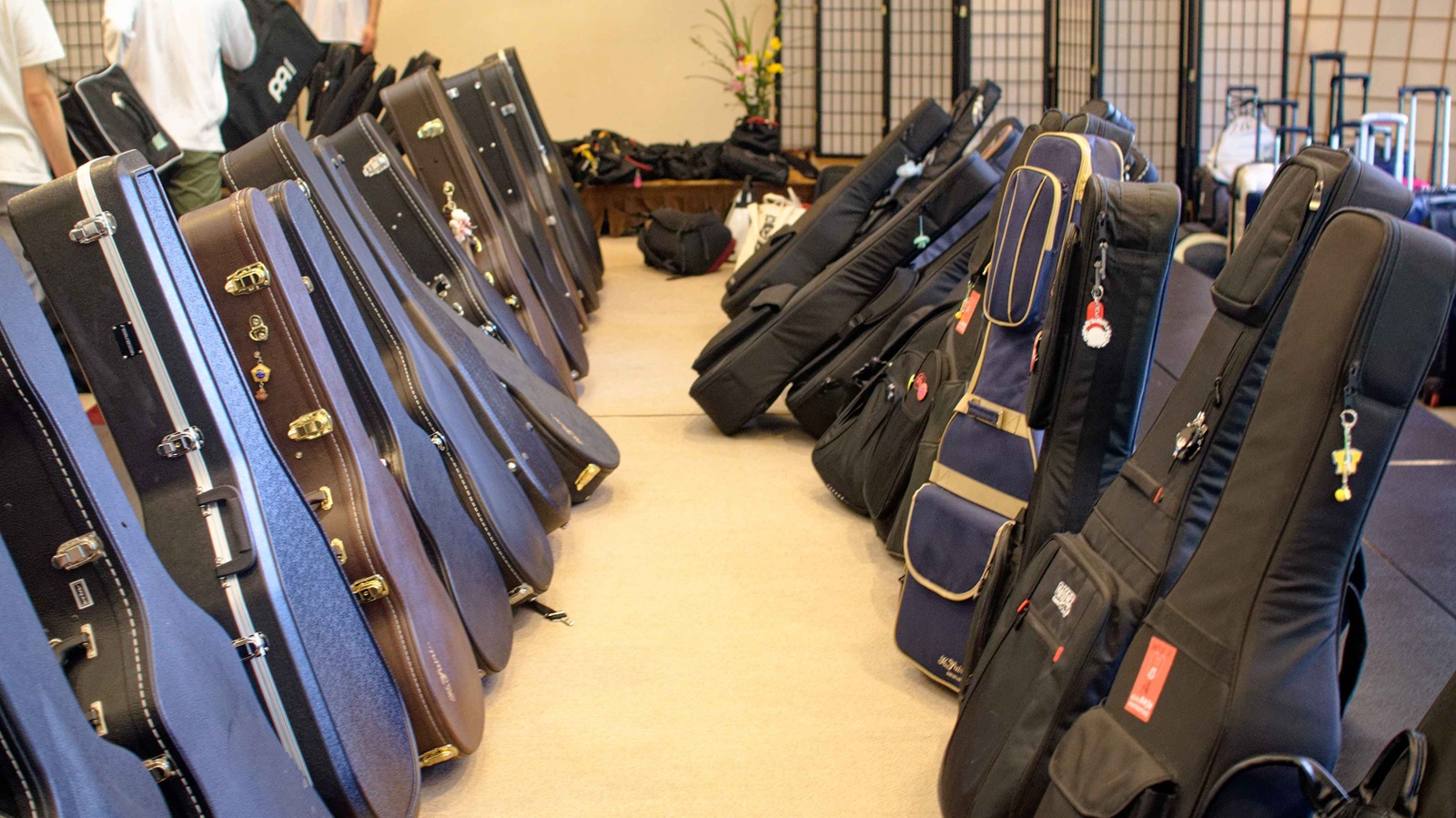
I was playing electric bass at a three-night, four-day camp with my university light-music club. We had to learn a song quickly, and one particular B section kept catching me out.
The notes were in front of me. I could count the beats. But the rests, offbeats, and short spaces between sounds were not becoming something my fingers could trust.
My MIDI Workaround
Before this app existed, I used MIDI software and changed every pitch to C. I did not want to hear the melody. I only wanted to know when the sounds happened.
That worked, but it was heavy for a rehearsal. Entering a phrase that lasted about 30 seconds could take 10 to 20 minutes. I had to start the computer, choose the note lengths, add placeholder pitches, and check the result. There was not even a good desk near the music stand.
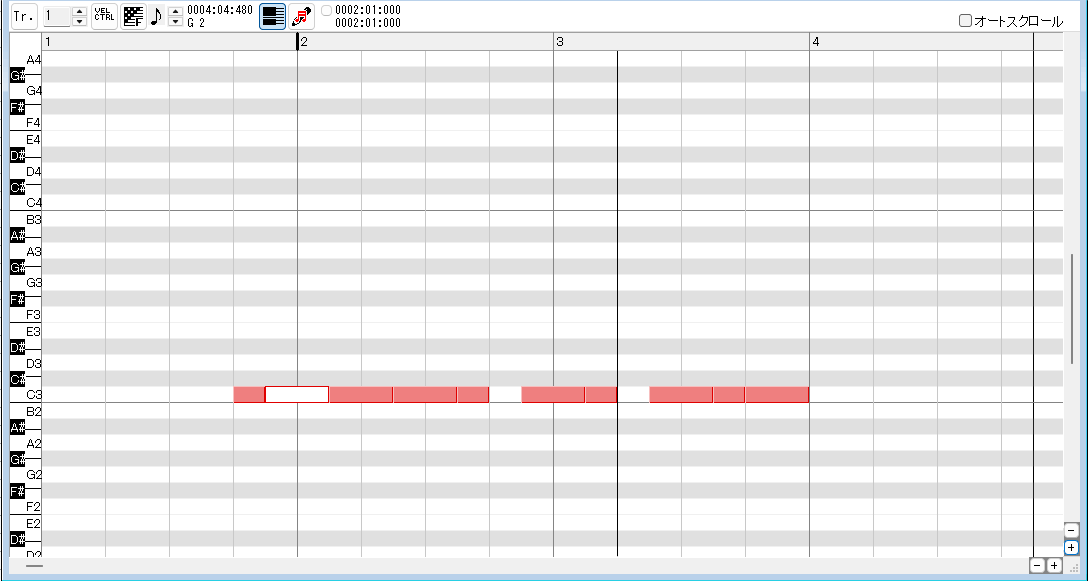
I did not need the pitches. I needed to know when the sound happened.
— Suzukake
A Calculator for Note Values
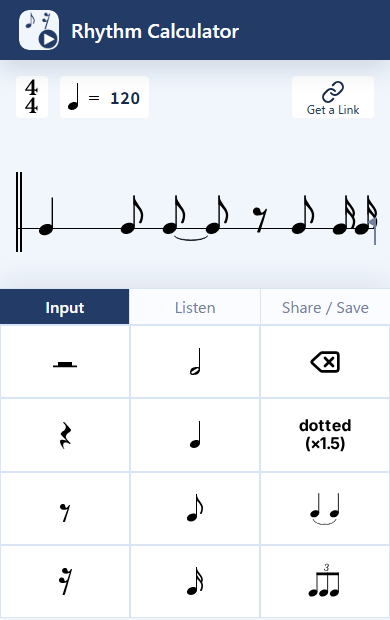
That sentence shaped the interface. I wanted to enter note values as quickly as entering numbers into a calculator, then press Play and hear the rhythm immediately.
The screen shows the rhythm in notation-style form, but the input stays focused on timing. You can enter a short passage, listen, slow it down, and loop it while your instrument stays in your hands.
What I Hope It Helps You Do
Rhythm Calculator is for the moment when you search “how do I count this rhythm?” but already have a specific song or score in front of you. I want the path from page to performance to feel less abstract:
- Look at the difficult measure.
- Enter only the rhythm you need.
- Hear it, sing it, tap it, and slow it down.
- Match your fingers to the timing.
- Turn the guide off and play the music yourself.
That is the whole idea. It is not a notation editor, a DAW, or a rhythm game. It is a small practice tool for the passage that is keeping you in one place.
For the complete workflow, read What Is a Rhythm Calculator?.